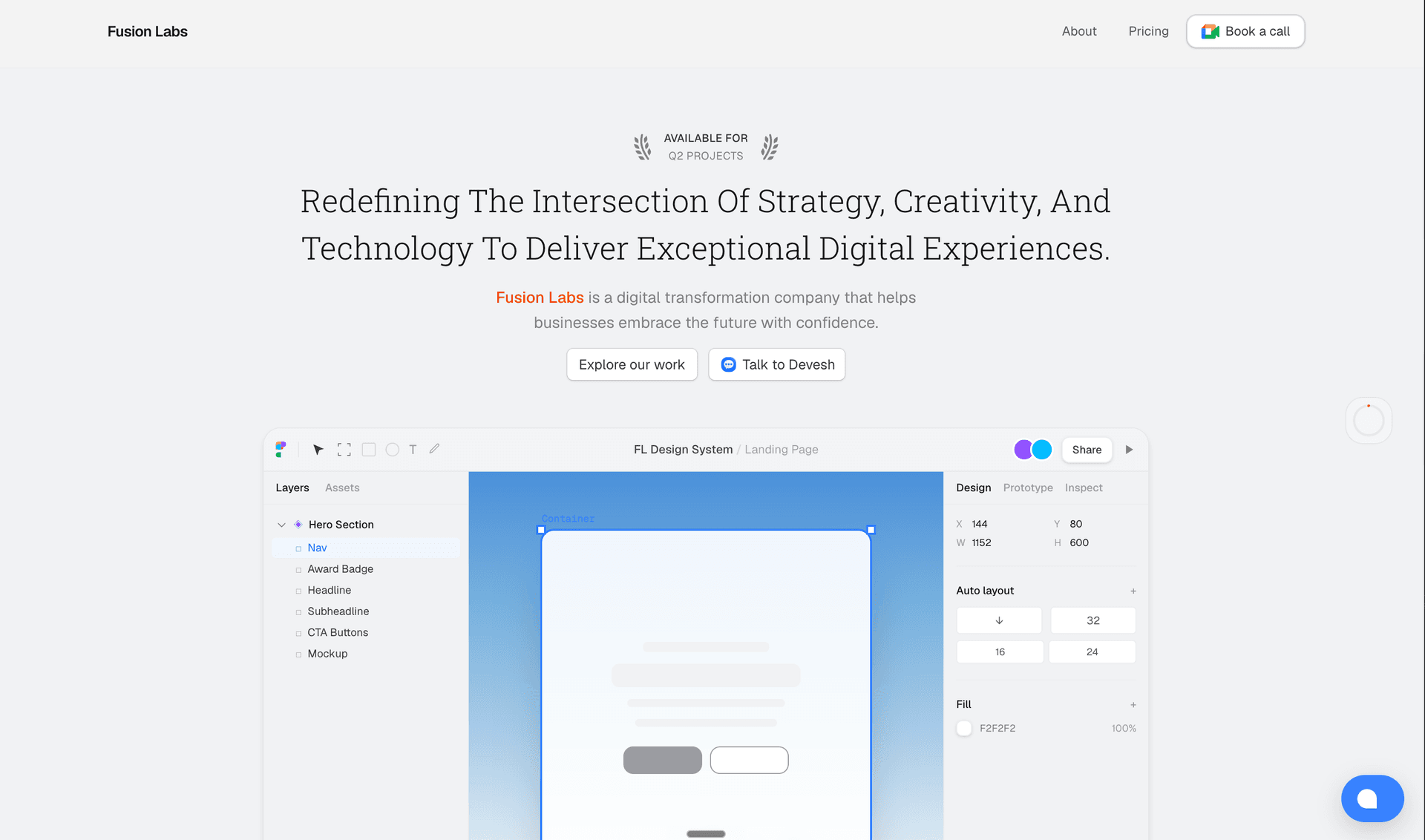
How I Built the FusionLabs Website ~ The Full Stack Breakdown
engineering10 مايو 2026•10 دقيقة قراءة
How I Built the FusionLabs Website ~ The Full Stack Breakdown
Framer is great. Honestly, for a lot of people it's the right call drag, drop, publish, done. I used it for a while too.
But then I started wanting things. I wanted the site to auto-detect a visitor's browser language and serve them content in German, Arabic, Hindi, French whatever they're actually comfortable reading in. I wanted Sentry hooked in so I'd know the second something broke. I had plans for a client dashboard down the road. And every time I looked into doing any of this properly on Framer, the answer was either "not supported" or "upgrade your plan."
At some point you do the math and realize you're paying more money for less control on a platform that wasn't built for what you're trying to do. I'm a developer. Next.js is where I actually live. So I rebuilt the whole thing.
This post is a full breakdown of how fusionlabs.studio is built every tool, every decision, and why. If you're a founder, a business owner, or just someone evaluating whether to work with us, this is also a pretty honest look at how we build things.
The Stack at a Glance
Before getting into the why behind each decision, here's the full picture:
Frontend
Next.js 16 — framework
Tailwind CSS — styling
shadcn/ui — component library base
Framer Motion — animations
CMS & Content
Sanity — blogs, case studies, testimonials
Analytics & Monitoring
PostHog — product analytics + session recording
Vercel Analytics — page speed + web vitals
Google Analytics 4 — traffic + audience data
Sentry — error tracking
Infrastructure
Vercel — deployment
Chatwoot — live chat
next-intl — internationalization
Everything self-configured, no third-party agency involved. This is exactly how we build for clients too.
Next.js 16 — The Core
I only work in Next.js. It's not a flex, it's just where I'm most productive and when your own agency site is also your biggest sales tool, you build it with what you know best.
Next.js 16 dropped in October 2025 and it's a genuinely big release. A few things worth calling out:
Turbopack is now the default bundler. No flags, no config it just runs. In practice this means 2–5x faster production builds and up to 10x faster hot reload during development. When you're iterating on a component at 1am, that speed difference is real.
Cache Components — this is the one I find most interesting. Previous versions of Next.js had an all or nothing problem with caching: a page was either fully static or fully dynamic. Cache Components (built on Partial Pre-Rendering) lets you mix both on the same page. The shell loads instantly from cache, dynamic parts stream in. The site feels fast even when parts of it are being freshly fetched.
File system caching in dev — Turbopack now saves compiler artifacts to disk between restarts. When you boot the dev server back up, it doesn't start from scratch. On larger projects this is a meaningful quality of life improvement.
Enhanced routing — layout deduplication means shared layouts download once, not once per link. Incremental prefetching means only the parts you don't already have cached get fetched. Faster navigations, less wasted bandwidth.
I'm not using every feature in Next.js 16 yet React Compiler support and the new DevTools MCP are on the list but the core setup alone is a big step up from where I was on Framer.
CMS: Why I Picked Sanity
For storing and managing blogs, case studies, and testimonials, I went with Sanity. The free plan is genuinely generous more than enough for what I need right now and the authoring experience is clean. Writing and publishing a blog post doesn't feel like fighting the tool.
The real reason though is flexibility. Sanity lets you define your own content schemas exactly the way you want them. Blogs have their own structure, case studies have their own structure, testimonials are separate. Everything is typed, everything is queryable via GROQ. When I build out the site further, I'm not going to hit a ceiling.
It also handles auth well, which means I don't have to think about protecting the Studio. You log in, you write, you publish. That's it.
Styling: Tailwind + shadcn + My Own Components
Tailwind CSS for the base layer utility classes, consistent spacing, no context-switching between files. If you've used it, you know. If you haven't, the productivity gap versus writing raw CSS is hard to overstate once you get past the initial learning curve.
shadcn/ui handles a chunk of the component work. It's not a component library you install as a package it's a collection of pre-built components you copy into your project and own outright. That means I can modify anything without fighting an external dependency. Dialogs, dropdowns, form inputs all of it is under my control.
But not everything came from shadcn. A good portion of what you see on the site is custom built layouts, cards, section structures, interactive bits. That's kind of the point. If everything looked like a shadcn default, every agency site would look the same.
Animations: Framer Motion (and GSAP Is Coming)
Framer Motion handles all the animations on the site right now page transitions, entrance animations, hover states. The API is straightforward enough that you can get something polished running without spending hours on it, which matters when you're building your own site between client work.
GSAP is on the roadmap. It's a different beast more control, more complexity, better for timeline based and scroll-driven animations. Still getting comfortable with it. When I know it well enough to use it properly, it's going in. No point shipping something half-baked on your own portfolio.
Analytics: Why I'm Running Three Tools at Once
Fair question. Three analytics tools sounds like overkill, but they each do something different:
PostHog — product analytics and session recording. I can see exactly what users are clicking, where they drop off, how they move through the site. That kind of behavioral data is what actually tells you if the site is working.
Vercel Analytics — page speed and Core Web Vitals, broken down by page. Real-world performance data from actual visitors, not just a Lighthouse score run on my machine. Useful for catching slowdowns before they become a problem.
Google Analytics 4 — traffic sources, audience demographics, geographic breakdown. The standard. Most clients expect their sites to have it, and using it on my own site means I stay sharp with it.
They don't overlap as much as they appear to. PostHog tells me what people do. Vercel tells me how fast things load. GA4 tells me who's showing up and where from.
Error Tracking: Sentry
This was one of the actual reasons I moved off Framer. If something breaks on the site, I want to know immediately not because a client messaged me, not because I happened to check. Sentry catches errors as they happen, tells me exactly where in the code they occurred, and sends an alert.
Setup on Next.js is straightforward. It hooks into both the client and server sides, so whether something breaks in a React component or in a server action, it gets caught. For a small agency where I'm the one responsible for everything, having that visibility is non-negotiable.
Live Chat: Chatwoot
If someone lands on the site and has a question, I want to be able to answer it in real time — not have them fill out a contact form and wait two days. Chatwoot gives me a live chat widget on the site and a mobile app on my phone, so I can respond to conversations on the go.
It's open-source, the integration is clean, and it doesn't add noticeable weight to the page. Does exactly what it needs to do.
Going Global: i18n with next-intl
This was the feature that made Framer genuinely unworkable for what I wanted to do. The plan is simple: if someone opens the site and their browser language is set to German, they should see the site in German. Same for Arabic, Hindi, French, Italian — wherever the visitor is.
I'm using next-intl for this, which plugs into Next.js's routing cleanly. It detects the browser's language setting, routes to the appropriate locale, and serves translated content. For a business like FusionLabs that wants to work with clients globally, this matters. A founder in Berlin or Dubai shouldn't have to read the site in a language that isn't theirs.
This is still being built out translations take time to do properly but the infrastructure is in place.
Deployment: Vercel Free Tier
Vercel is the obvious home for a Next.js site. The free tier is more capable than most people realize deployments, preview URLs for every branch, edge network, and built-in analytics up to a reasonable limit. For a site at this stage, it's more than enough.
Every time I push to main, Vercel picks it up, builds, and deploys. No manual steps, no SSH, no server configuration. It just works. That's the right amount of complexity for an agency site.
What's Coming Next
The site is working, but it's not done. A few things on the immediate roadmap:
GSAP animations — once I'm confident enough with it to use it well
More translations — filling out the i18n setup with actual translated content across languages
Client dashboard — a dedicated space for clients to track project progress. That's a bigger build and it's further out, but it's coming.
The site is also a live portfolio, so as FusionLabs takes on more projects, the case studies section will grow. That's where the real proof of work sits.
Closing
Building your own agency site is a weird exercise. You're simultaneously the client and the developer, which means you can talk yourself into scope creep very easily. I tried to stay disciplined ship something that works well, add complexity only where it earns its place.
The stack I landed on isn't exotic. Next.js, Sanity, Tailwind, Vercel these are solid, well-documented tools that I can maintain, extend, and hand off to a future team member without a lengthy onboarding document. That matters.
If you're a founder or business owner reading this and thinking about what your own web presence should look like — this is how we build at FusionLabs. Not templates, not page builders, but proper software that fits what you actually need.
Feel free to poke around at fusionlabs.studio, or just start a chat the Chatwoot widget in the corner is there for a reason.